SmartNotify ⎯⟡ Android Notification Alarm & Rules Engine
An Android app, built with Flutter and native Kotlin and published on Google Play, that checks every incoming notification against keyword rules and turns the important ones into full-screen alarms, alerts or webhooks, with a searchable history that never leaves the phone.
Technologies :
Project Overview
Android phones receive hundreds of notifications a day, and the built-in controls are all or nothing: silence an app and you miss the urgent message, leave it on and you stop noticing it. SmartNotify sits in between. It lets the user say exactly which notifications matter and makes those impossible to miss, while staying fully offline: no account, no analytics, and a Google Play Data safety label of "No data collected".
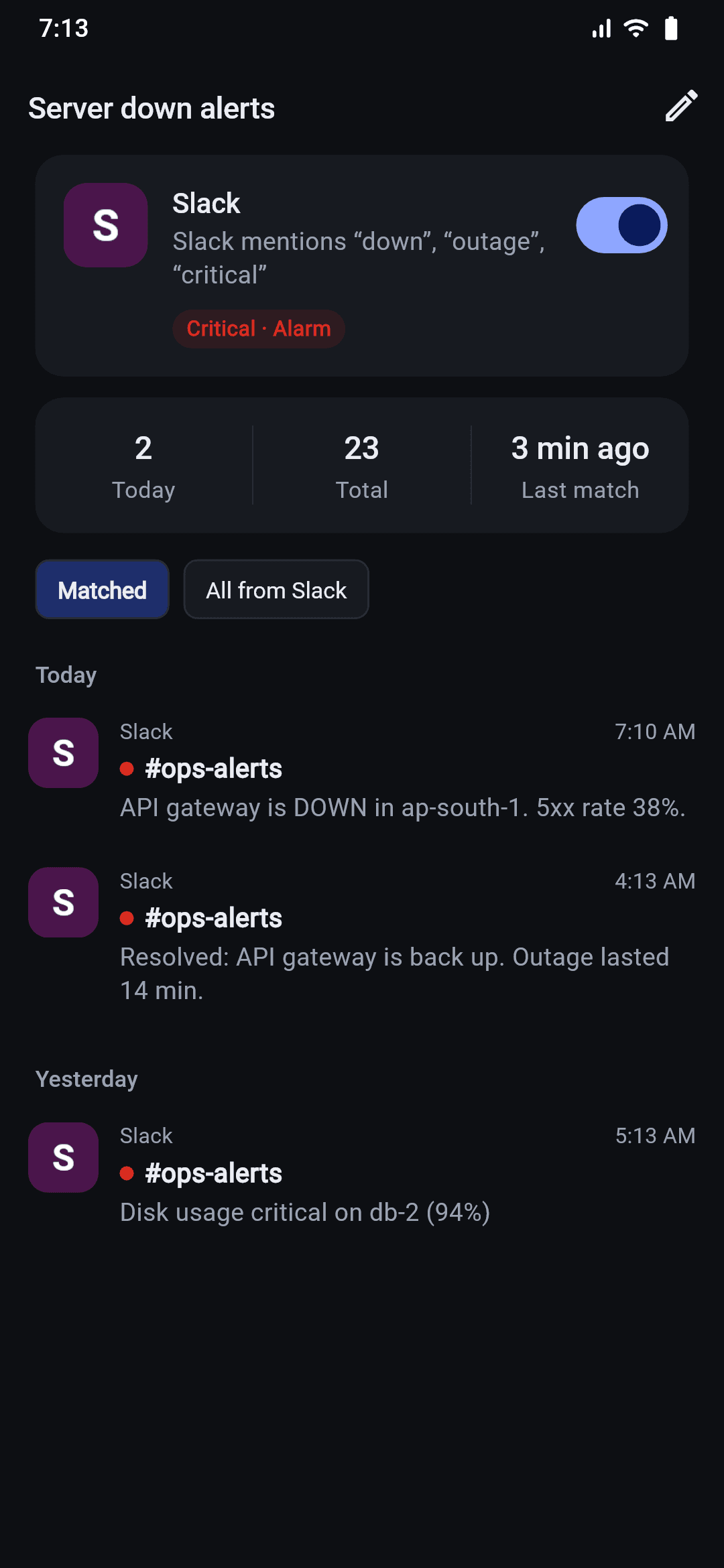
I designed, built and published the app end to end: a native Kotlin notification listener that runs the same Dart rules engine in a headless Flutter engine when the app is closed, a rules editor built around plain keywords, a full-screen alarm, webhooks for team chats, and a guided setup that walks users through the battery and autostart settings that phone makers like Xiaomi, Oppo and Vivo hide.
Approach & Key Work
To address these challenges, we implemented a comprehensive strategy:
- Native Listener with a Headless Dart Engine: A Kotlin NotificationListenerService receives every notification. When the app is open it hands the notification to Flutter over a method channel; when the app is closed it starts a background Flutter engine and runs the same Dart rules engine headlessly, holding a wake lock with a safety timeout so processing finishes even with the screen off.
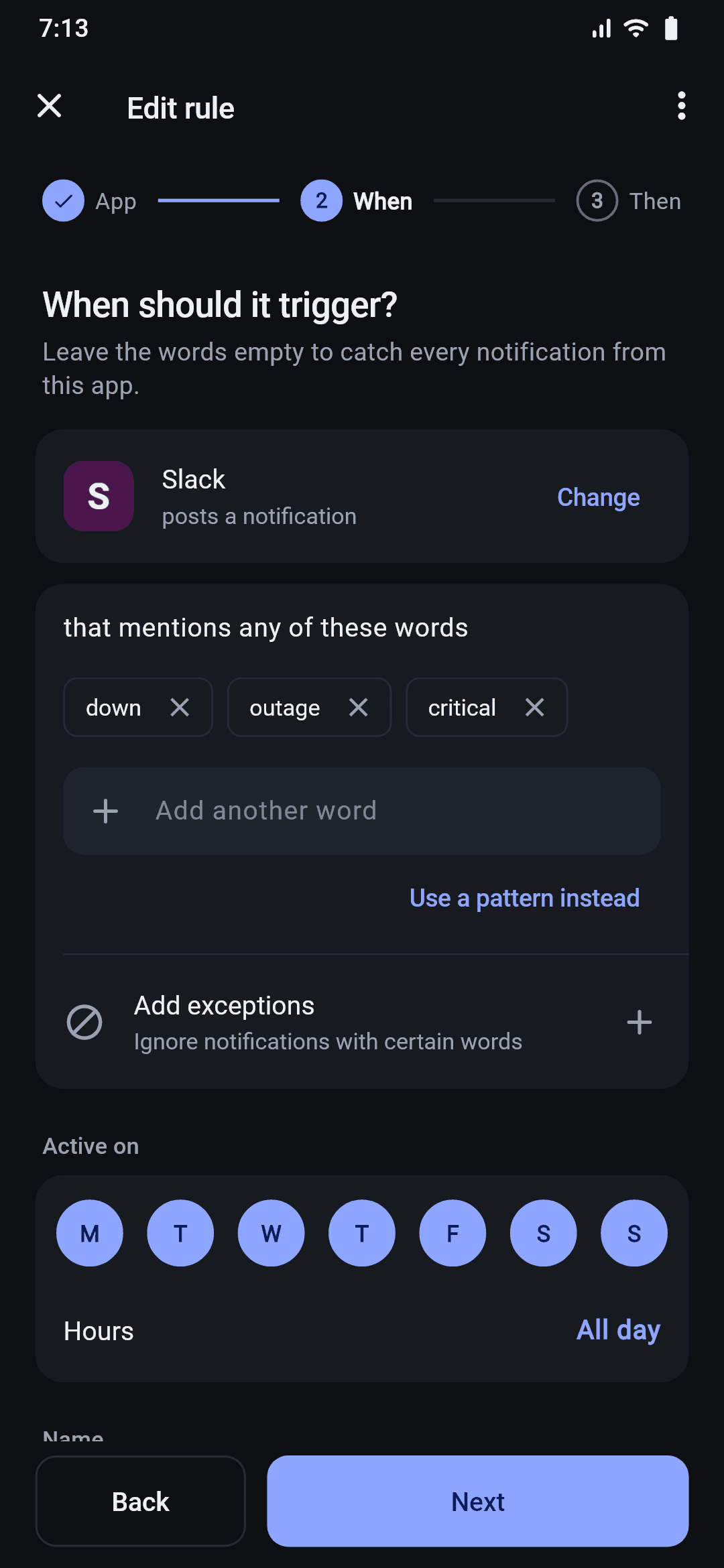
- Rules Engine Built Around Plain Keywords: Users type words like "urgent" or "server down"; the app compiles them into safe patterns, with raw regular expressions still available for advanced users. Rules combine an app, keywords, exceptions, active days and hours, and a priority that decides which rule wins, plus escalation (alert only after N matches in a time window), cooldown, once-only and one-tap snooze. The engine is covered by 31 unit tests.
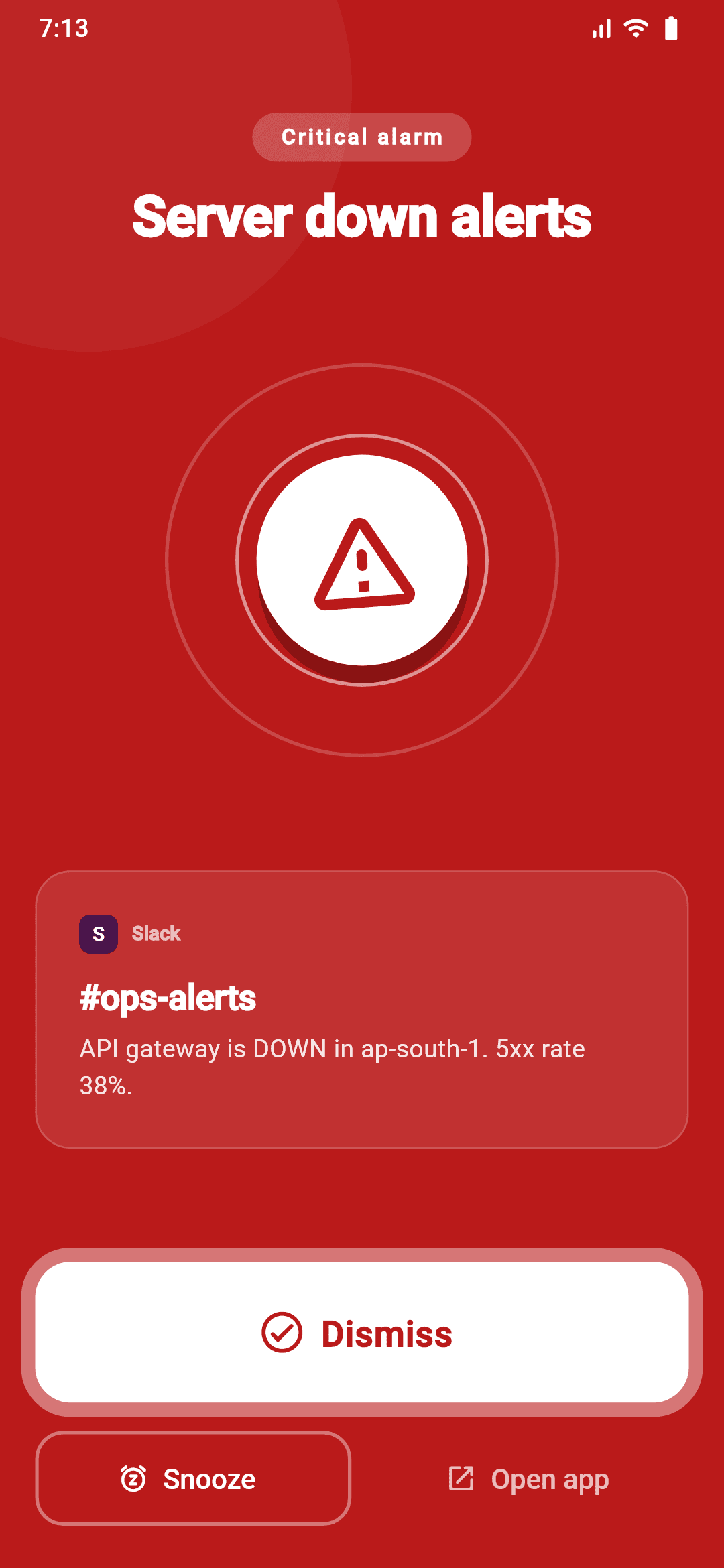
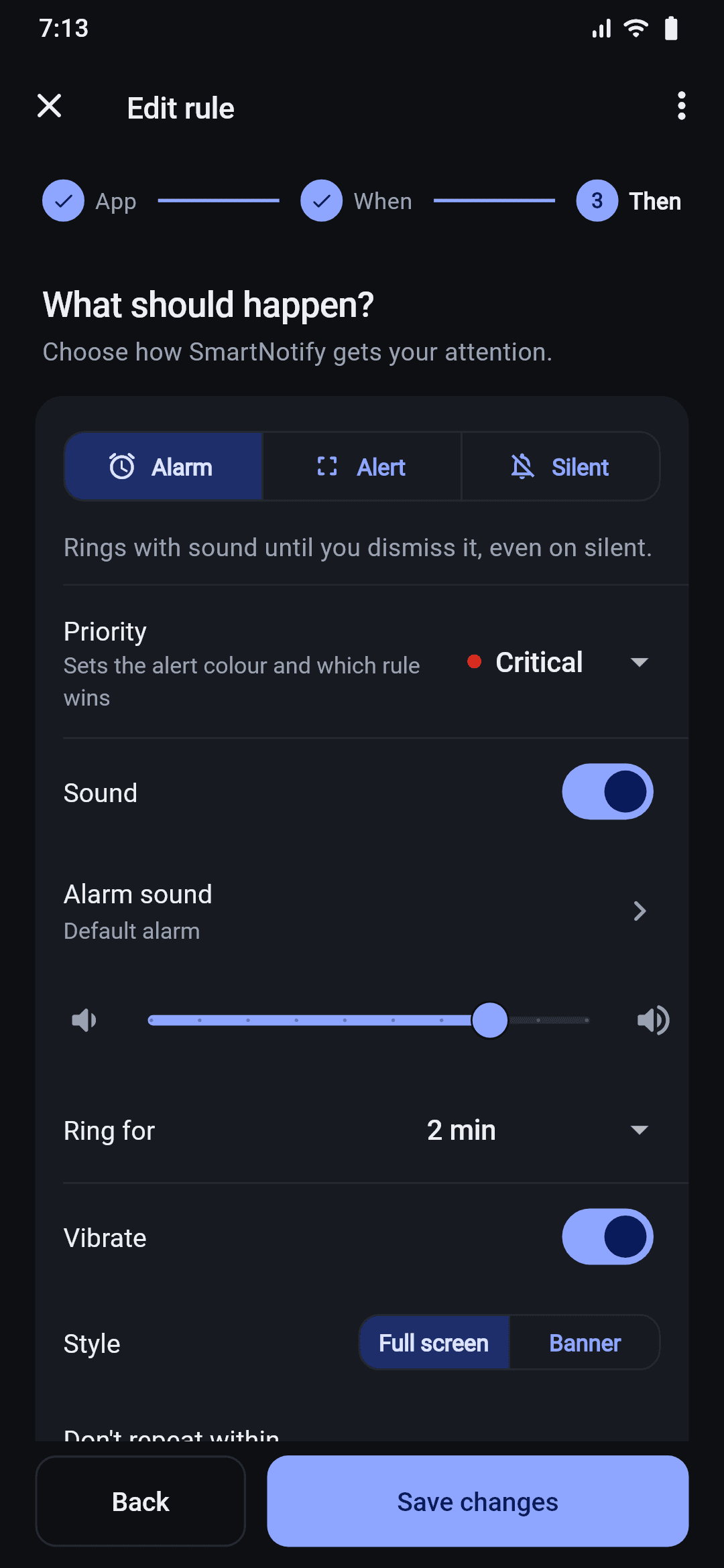
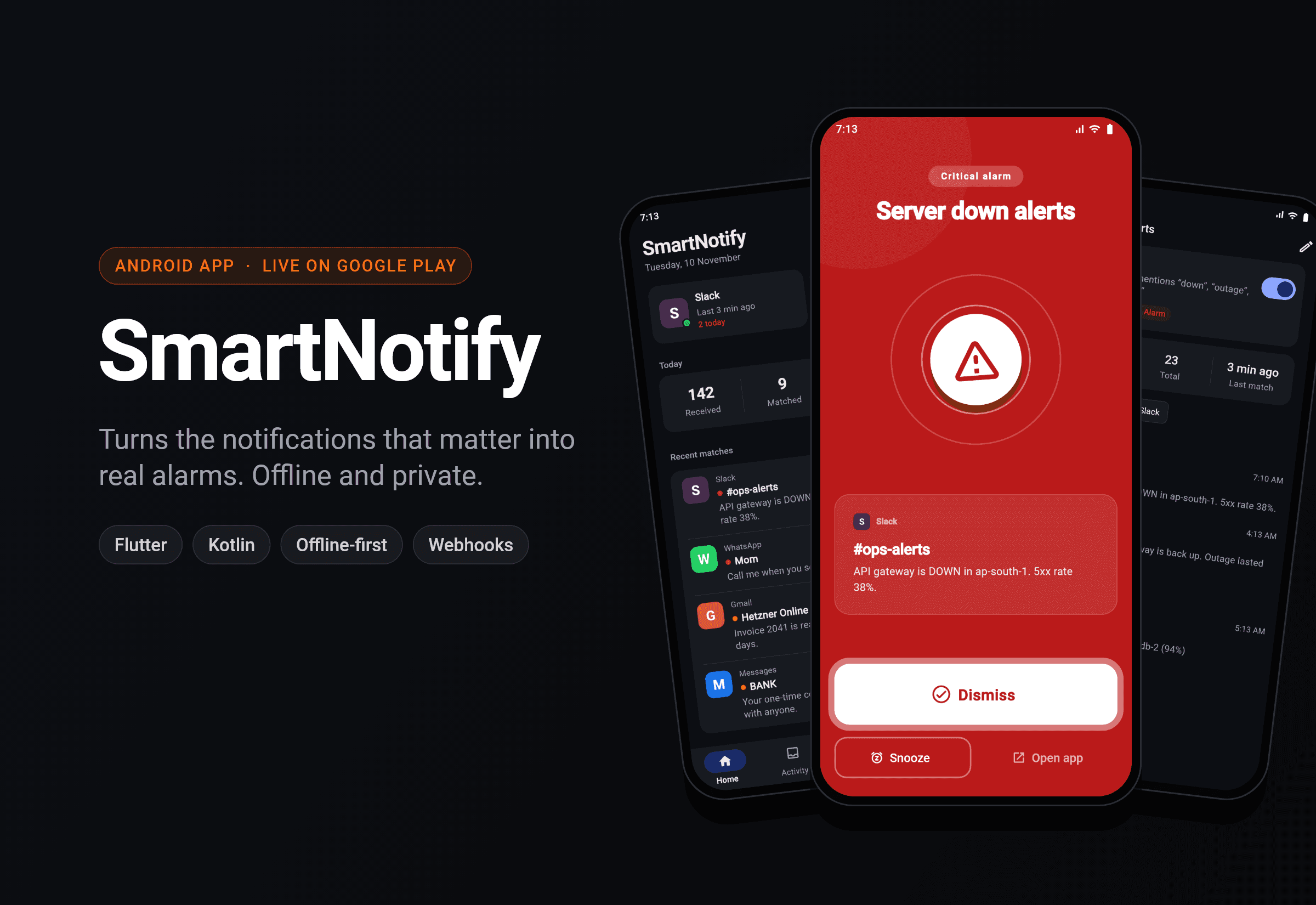
- An Alarm That Actually Rings: A full-screen alarm with its own sound, volume, vibration and ring duration, an optional Do Not Disturb override, and a lighter banner style. The activity only shows over the lock screen and turns the screen on while an alarm is ringing; otherwise those window flags are cleared, so nobody can read the notification history on a locked phone.
- Webhooks for Teams and Automations: Matching notifications can be forwarded as JSON to Slack, Discord, Google Chat, a Telegram bot, ntfy or any server, with ready-made templates, a real "send test" button, automatic retry on network errors, 429 and 5xx responses, and a delivery log of every request and response.
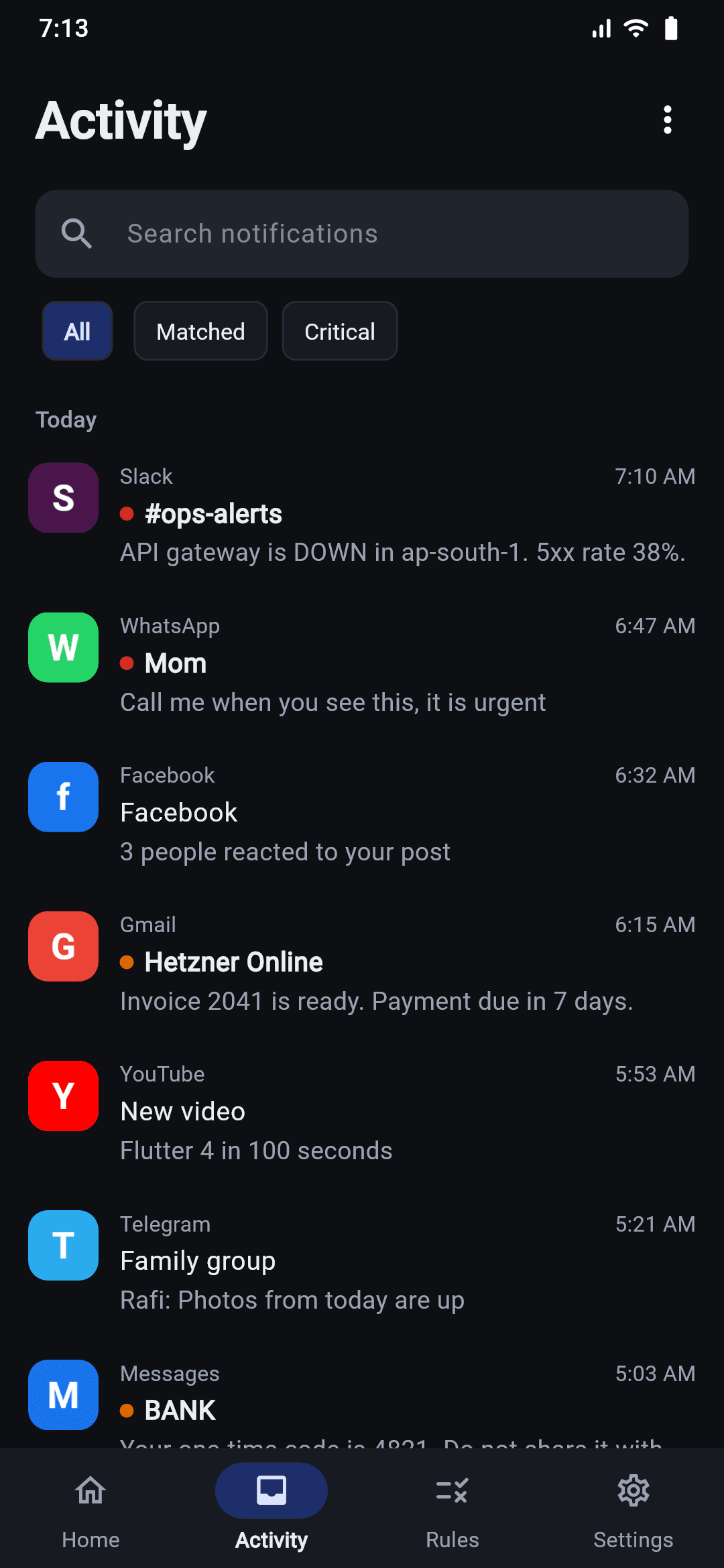
- Offline Data Layer with Live Updates: Notifications, rules, alarm history and webhook logs live in a local SQLite database through Drift, with indexes on the hot queries and Riverpod streams that update the UI live, including after the headless engine writes in the background. Per-rule statistics are computed in SQL, and a retention setting prunes old history automatically.
- Guided Setup for Real-World Android Phones: A step-by-step onboarding checks each permission (notification access, display over other apps, battery optimisation) and detects Xiaomi, Redmi, POCO, Oppo, Realme, Vivo and OnePlus phones to open their hidden autostart and lock-screen settings. A repair mode reopens the right step when Android revokes a permission, and an optional foreground service keeps the listener alive.
Outcome
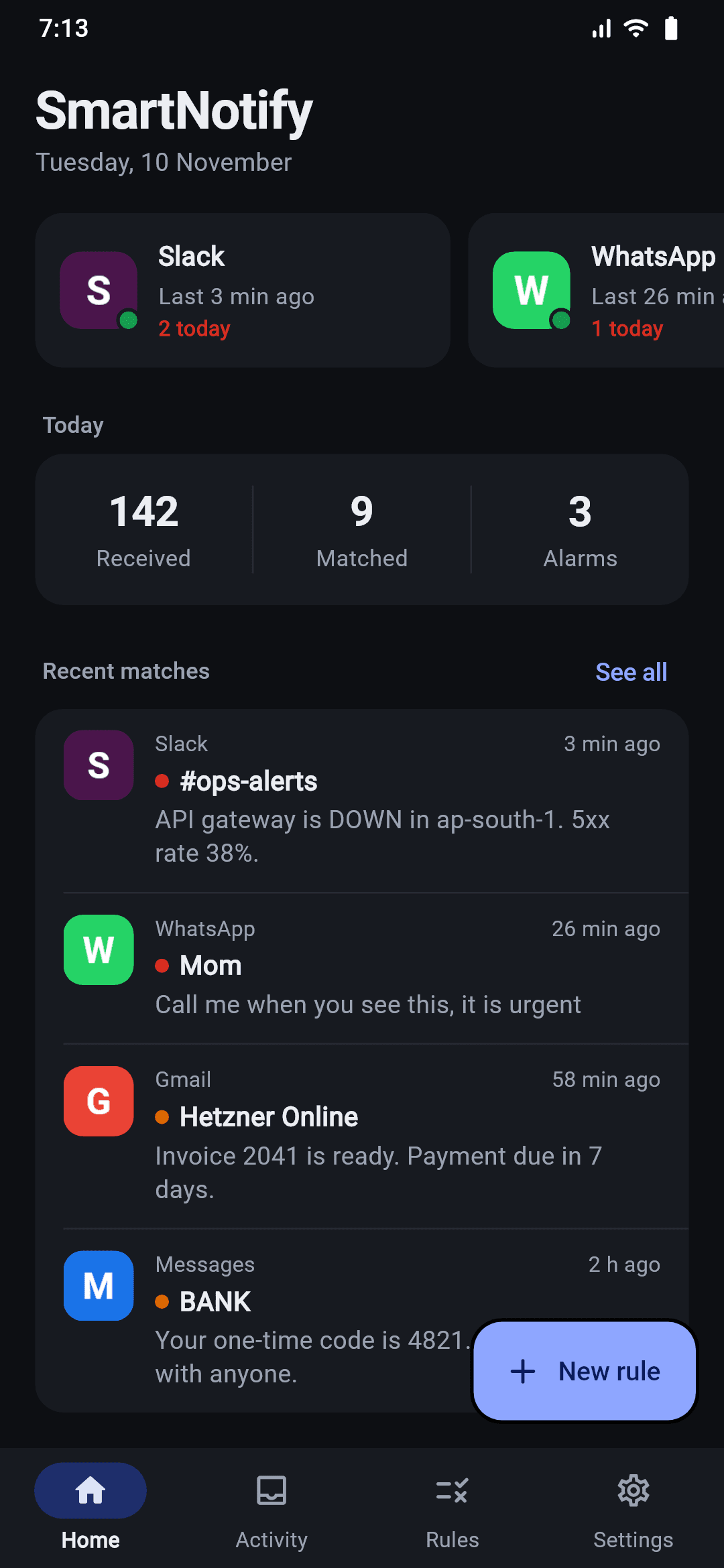
SmartNotify is live on Google Play with 50+ downloads and a "No data collected" Data safety label. Version 2 was a full redesign: a guided setup, a rules editor built around keywords instead of regular expressions, a searchable notification history, and a home screen that shows each watched app at a glance with its last match and today’s count. The app targets Android 16 (API 36) and handles Android 15’s edge-to-edge display.
Screenshots